

Roblox
How to appear offline on Roblox?
Get the secrets to appearing offline on Roblox and hiding your status—discover the steps you never knew you needed to stay invisible.


Wondering how to delete your Roblox account permanently? Whether you’re stepping away from the platform, managing your digital footprint, or helping a younger player transition to a new game, knowing the right deletion process is essential. Roblox does not make this option very obvious, so many players believe account deletion isn’t even possible. But it is — you just need to follow the correct steps.
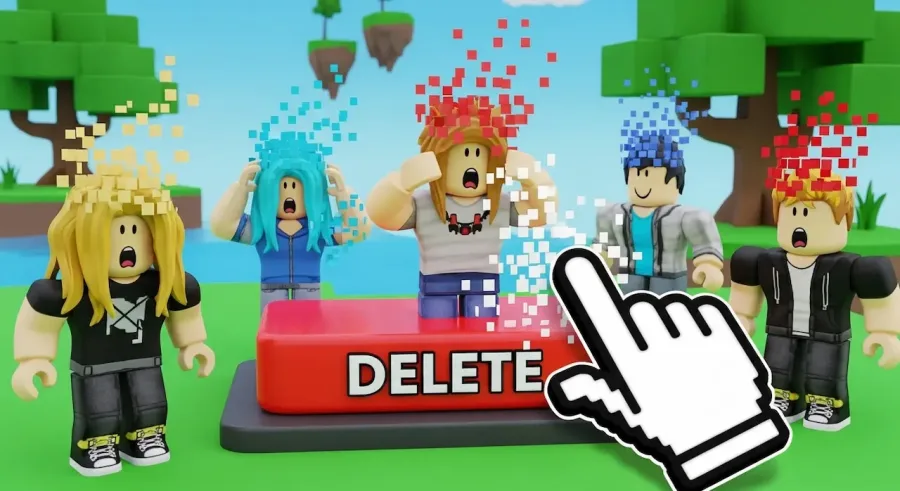
Roblox is one of the world’s largest gaming and creation platforms, designed to be fun, interactive, and community-driven. Because of this, the platform prioritizes safety and accidental-loss prevention, which is why it doesn’t offer a simple “Delete Account” button. Instead, you must contact Roblox Support directly and request permanent deletion. This ensures your account, data, and any purchases are removed securely and intentionally.
Before making this final decision, it’s important to understand how the process works, what data will be lost, and how to properly prepare your account. Once deleted, there is no way to recover it — no matter how much time, money, or creativity you’ve invested.
Below is a complete guide that shows you how to delete your Roblox account permanently in a safe and efficient way.
Roblox follows strict internal procedures to ensure user safety. Their deletion system exists mainly to prevent:
Because Roblox is widely used by children and teens, this controlled process is essential. For this reason, users must manually request deletion through Roblox Support, confirming their identity and ownership of the account.
This protective layer also ensures that once the deletion is carried out, all personal information, creations, messages, and payment data are securely removed in compliance with privacy standards.
Before requesting the permanent deletion of your Roblox account, it’s smart to take a few minutes to clean and secure it. This preparation makes the process faster and protects your data from remaining anywhere unnecessary.
Here’s what you should do:
Make sure your Roblox account is logged out on any device you’ve used, such as:
This prevents activity or interference during the deletion process.
If your Roblox is connected to platforms like:
Unlink them first. This step protects your personal information outside Roblox and prevents accidental reactivation or login attempts.
Go to:
Settings → Billing
From there, delete any saved:
If you have an active Roblox Premium subscription, cancel it before requesting deletion.
While optional, some players prefer to remove identifying details such as:
This gives you an additional layer of privacy, especially if the deletion process takes several days.
If you’ve spent years building games, designing outfits, or collecting items, this is your last opportunity to preserve anything meaningful. Once your account is deleted, every piece of data is erased permanently.
Consider backing up:
If you are a Roblox developer, make sure to save any files stored locally on your computer as well. Even though Roblox Studio allows some assets to be exported, many in-game items cannot be recovered after deletion.
Since Roblox does not provide an in-app deletion button, the only official method is to submit a request through the Roblox Support page.
Follow these steps:
After submitting the form, Roblox will generate a support ticket and send you a confirmation email.
Once your request is submitted, Roblox Support will:
This might take a few days depending on support volume. While the request is being processed, your account remains active. This means you can still log in, play games, or talk to friends — but keep in mind that the deletion could be finalized at any moment.
If you haven’t received a response within a week, reply to the email thread or submit the form again.
Once Roblox notifies you that your account has been deleted, test it by attempting to log in. If your login fails and shows an error message, your account has been permanently removed.
If you still receive Roblox newsletters or promotional emails after deletion, contact support again to verify your email was removed from all databases.
Deleting your Roblox account is a personal choice, and the platform ensures the process is deliberate and secure. Understanding how to delete your Roblox account permanently helps protect your digital footprint and ensures your private data is handled responsibly.
To recap the full process:
Whether you’re stepping away temporarily, helping a child manage their online activity, or simply closing a chapter, Roblox’s manual system ensures your information remains safe and under your control.


Get the secrets to appearing offline on Roblox and hiding your status—discover the steps you never knew you needed to stay invisible.

The history of Roblox goes back further than you might think, but just how old is this game-changing platform? Find out what sets it apart.
Navigating the secrets of joining a private group in Roblox isn't as easy as it seems—discover the steps you can't afford to miss.
Thinking about your child's safety on Roblox? Discover the crucial reasons parental controls matter before your next family game session.
Master the art of playing Roblox on your Nintendo Switch with these clever tricks—discover what works and what’s still just out of reach.
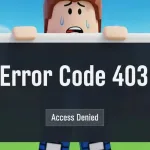
Navigate the mystery behind Roblox Error Code 403 and discover which quick fixes might instantly restore your game access—find out what works next.